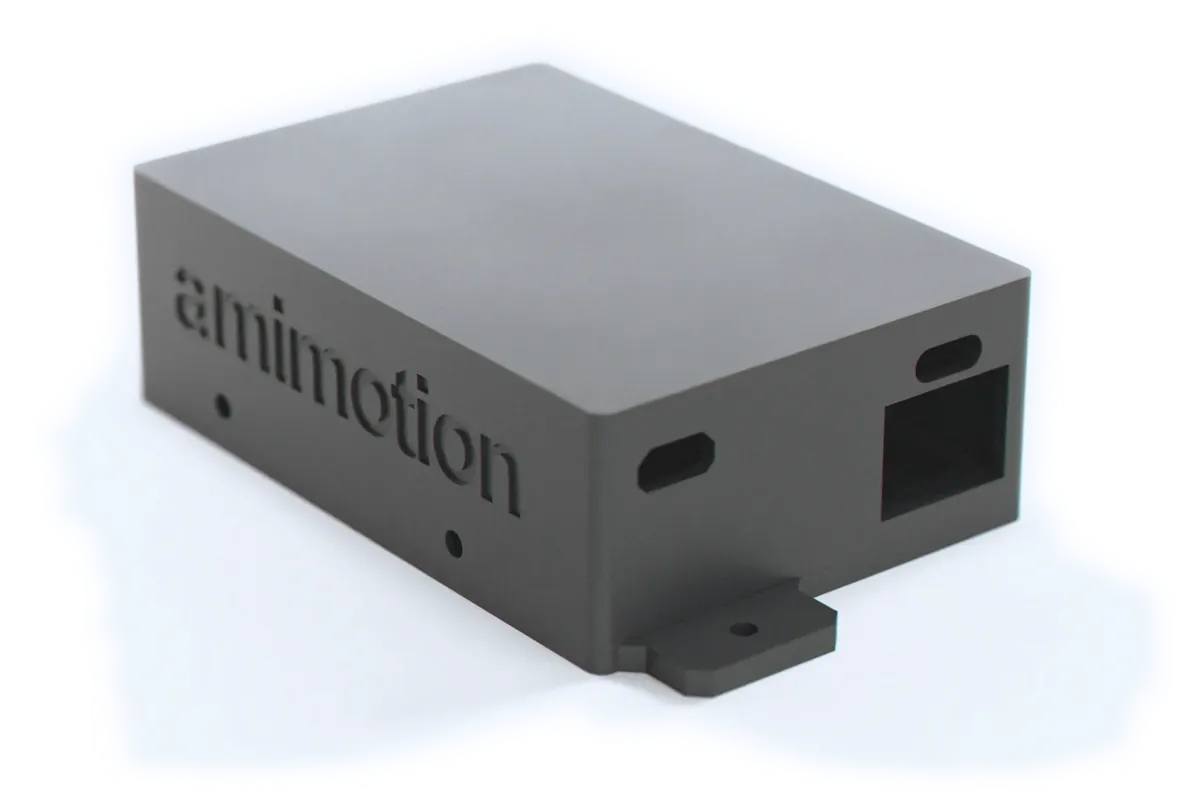
AmIMo hears every AmIGo pulse and the angle it arrived from, keeps time with the other anchors over the air, and sends what it hears to AmIHub over Wi-Fi. Mount it 3 to 8 m up and give it power. There is no sync cable and no data cable to run.
Reach in line of sightSite-dependent. The survey sets the count
DC or PoE
PowerWi-Fi backhaul, no data or sync cable
3 to 8 m
Mounting heightRecommended. Wall, column, ceiling or pole
AmIMo, in short
AmIMo is AmIMotion's UWB anchor. It records when each AmIGo pulse arrives and reads the angle it came from, in 3D, so fewer anchors fix a position. It keeps time with the other anchors over the air, sends its data to AmIHub over Wi-Fi, with an Ethernet option, and needs only power, from DC or PoE. Each anchor reaches about 50 m in clear line of sight. A site survey sets how many your floor needs.
What you run to it.Power, and nothing else.
3D angle of arrivalWhen each pulse arrived, and the direction it came from.
Mounts 3 to 8 m upWall, column, ceiling or pole brackets.
Syncs over the airKeeps time with the other anchors. No sync cable.
Data over Wi-FiStraight to AmIHub. Ethernet is an option.
DC or PoEThe one thing you run to it.
The install is a bracket and a power point. AmIMo keeps time with its neighbours over the air and sends its data to AmIHub over Wi-Fi, so the only thing you run to it is power, from a DC adapter or PoE.
Each anchor is set up from a phone app. AmIHub finds it on its own and tells you if one ever goes dark.
Mounted 3 to 8 m up.Above everything that moves.
01
On a column, wall or ceiling, or on a pole, 3 to 8 m up.
02
Set up from a phone app. AmIHub finds each anchor itself.
03
About 50 m in line of sight. Steel and racking set the final count.
04
Prefer a wired network? Ethernet is also an option.
AmIGo tags on carriers, tools and vehicles, down to ±10 cm in 3D with AmIMo anchors, depending on your floor.
BLE ranging
Zone-level presence for BLE devices and beacons that carry no UWB tag.
Wi-Fi FTM
Ranging with compatible Wi-Fi devices, from the same AmIMo anchors. Device support is confirmed for each site.
Every floor starts with a survey.Steel decides, not square metres.
Racking, ceiling height and steel decide where anchors go. Each AmIMo reaches about 50 m around it in clear line of sight, and the survey measures what your floor does to that.
01High on columns or walls, 3 to 8 m up, clear of moving vehicles.
02Spread around the area a tag moves in, not in one straight line.
03Where the angle helps, as few as two anchors in view can fix a position.
04Over dense racking, the survey measures the steel first.
AmIMo, in detail.
Indicative values. Coverage and spacing change with ceiling height, racking and metal. The final count comes from a site survey. Full datasheets are shared under NDA.
UWB radio
IEEE 802.15.4z HRP, with a 3D angle-of-arrival antenna array
Positioning modes
UL-TDoA, DL-TDoA, two-way ranging and 3D AoA, chosen per zone in AmIHub
Additional ranging
BLE ranging; Wi-Fi FTM (IEEE 802.11mc). Device support confirmed per site
Coverage
About 50 m line-of-sight radius, indicative and site-dependent
Synchronisation
Over the air; no sync cable
Backhaul
Wi-Fi 2.4 / 5 GHz to AmIHub; Ethernet option
Power
DC adapter or PoE
Tag capacity
Hundreds of active tags per anchor cell (UL-TDoA), indicative
Mounting
3 to 8 m recommended; wall, column, ceiling and pole brackets
Operating temperature
−20 °C to +60 °C, typical; indoor and sheltered outdoor
Commissioning
Phone app; found by AmIHub on its own
Questions about AmIMo.
What is an AmIMo anchor?
AmIMo is AmIMotion's UWB anchor. It times each tag pulse and reads its 3D angle of arrival. It offers BLE ranging and Wi-Fi FTM from the same unit, and needs only DC or PoE power, with no data or sync cable.
Does an RTLS anchor need data cabling?
Not AmIMo. It syncs over the air and sends its data to AmIHub over Wi-Fi, with an Ethernet option. Each AmIMo anchor still needs power, from DC or PoE.
How far does one AmIMo anchor reach?
About 50 m in clear line of sight, indicative and site-dependent. Racking, machines and steel shorten it, so a site survey sets the count.
How many AmIMo anchors does a floor need?
It depends on the accuracy you need, the ceiling height and how much racking blocks the view. Where the angle helps, as few as two anchors in view can fix a position. A site survey sets the count.
What happens if an anchor loses power?
AmIHub raises an alert when an AmIMo anchor goes dark, so your team knows which one to check.
Plan the anchors for one bay.Enter your floor and racking, and get a first range of AmIMo anchors before the survey.How many anchors you need